Fabulously Optimized is a powerful Minecraft optimization modpack designed to dramatically improve game performance while keeping the vanilla gameplay experience intact. It combines carefully selected performance mods to increase FPS, reduce lag, and make Minecraft run smoother on almost any system.
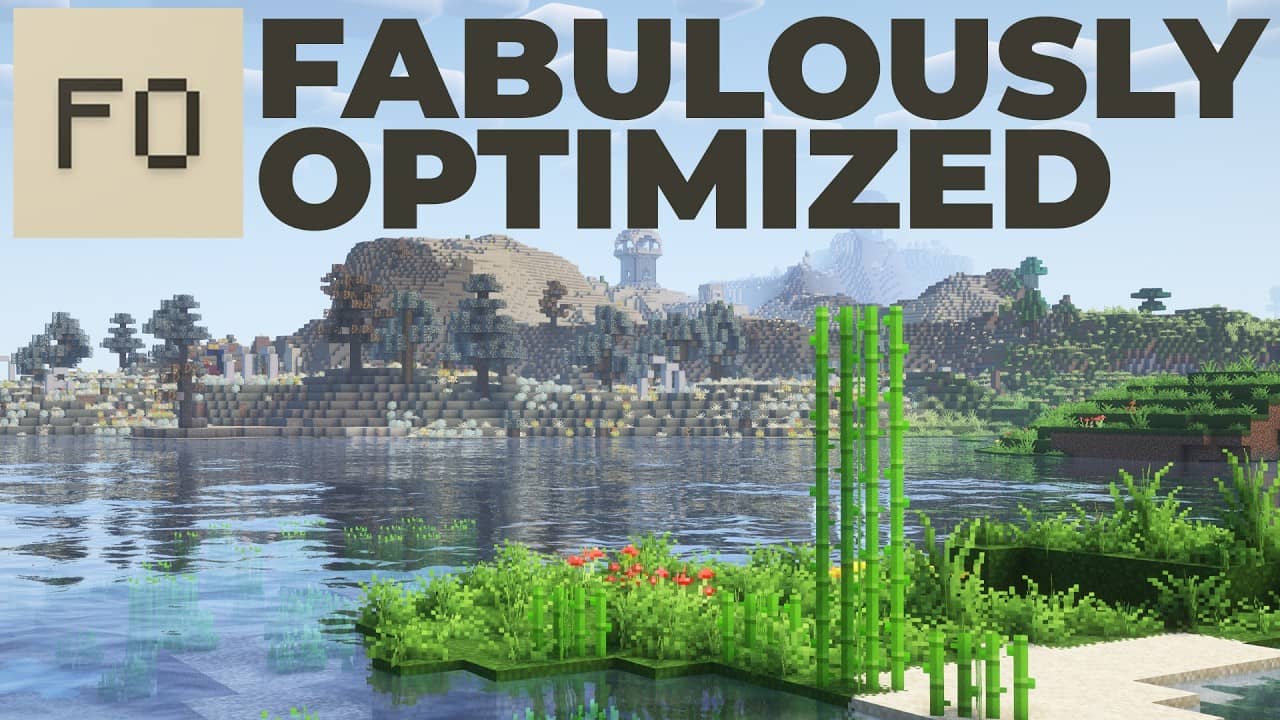


Fabulously Optimized is designed to give Minecraft players the best possible performance while maintaining the original vanilla experience. With carefully selected optimization mods, improved graphics support, and easy configuration options, this modpack ensures smoother gameplay, higher FPS, and a more enjoyable Minecraft experience for players of all system types.
Fabulously Optimized significantly improves Minecraft performance, helping players achieve higher FPS and smoother gameplay.
Optimized mods reduce lag spikes and improve game stability, especially on low-end or mid-range systems.
Enjoy better performance without changing the core Minecraft gameplay or mechanics.
Supports modern shaders so you can enhance Minecraft graphics while maintaining great performance.
Install the modpack easily using supported launchers and start playing within minutes.
Includes carefully selected optimization mods that work together to provide the best results.
The modpack is actively maintained with updates that improve compatibility and performance.
Fabulously Optimized is an open-source project, allowing the community to contribute and improve the modpack.
Getting started with Fabulously Optimized is simple. Download the modpack, follow the installation guide, and configure the settings to match your system. Whether you’re new to Minecraft modpacks or an experienced player, these guides will help you set up Fabulously Optimized quickly and enjoy smoother, faster gameplay.
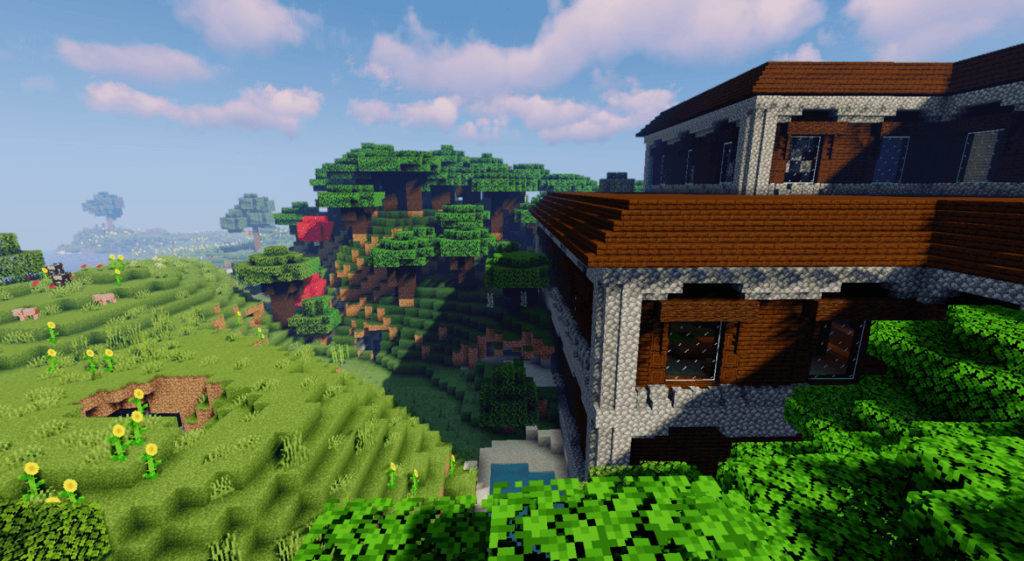


Fabulously Optimized is a powerful Minecraft optimization modpack designed to improve game performance without changing the original vanilla experience. It combines carefully selected performance and graphical improvement mods that help increase FPS, reduce lag, and make gameplay smoother across a wide range of devices. Whether you play on a low-end system or simply want the best performance possible, Fabulously Optimized provides a balanced and reliable solution.
Fabulously Optimized focuses on maximizing Minecraft performance by integrating advanced optimization mods that significantly increase FPS and reduce lag during gameplay.
The modpack is designed to be easy to set up and configure, allowing players to quickly adjust settings for their system and enjoy smoother gameplay without complex setup.
Ready to experience smoother gameplay and higher FPS in Minecraft? Fabulously Optimized combines powerful performance mods to deliver a faster, more stable, and visually improved Minecraft experience while keeping the vanilla feel intact. Download the latest version of the modpack and start enjoying optimized gameplay in just a few minutes.
Fabulously Optimized is an open-source Minecraft modpack, giving the community full access to its source code. Developers and enthusiasts can contribute, report issues, or customize the modpack to their needs. By being open-source, it ensures transparency, community collaboration, and continuous improvements for better performance and stability.

Fabulously Optimized is designed to give Minecraft players an unmatched performance experience. Each feature is carefully crafted to enhance FPS, reduce lag, and maintain the vanilla gameplay experience for both new and experienced players.
Have questions about Fabulously Optimized? Here are the most common questions answered to help you download, install, and configure the modpack with ease.
Fabulously Optimized is a Minecraft optimization modpack that improves game performance while keeping the original vanilla gameplay unchanged.
It is designed to increase FPS, reduce lag, and make Minecraft run smoothly on both low-end and high-end systems by using performance-focused mods instead of altering core gameplay mechanics.
In simple terms, it helps you enjoy Minecraft with better speed, stability, and smoother gameplay without changing how the game feels or plays.
You can download Fabulously Optimized directly from its official website: Download Page
It is recommended to always download from the official source because it provides the latest version, safe files, and proper installation formats. After opening the download page, you can choose your preferred method (such as launcher install or manual file download) and follow the simple setup instructions shown there.
To install Fabulously Optimized, first download it from the official website: https://fabulouslyoptimized.com/download/
After downloading, the installation process depends on the method you choose:
Once installed, select the Fabulously Optimized profile in your launcher and start Minecraft. The modpack will automatically apply all performance and optimization settings.
Yes, Fabulously Optimized is fully customizable.
You can adjust settings, add or remove compatible mods, and tweak performance or visual options based on your needs. It is designed to stay flexible while still keeping Minecraft optimized and stable. However, it is recommended to only change or add mods that are compatible with the pack to avoid performance issues or crashes.
Yes, Fabulously Optimized fully supports shaders.
It comes with built-in Iris Shaders, which allows you to install and use most modern shader packs easily without OptiFine.
You can simply go to:
Options → Video Settings → Shader Packs
and enable your preferred shader.
Fabulously Optimized is usually updated about once every 1 to 2 weeks, depending on new Minecraft versions and mod updates.
However, this is not fixed. Updates can come faster or slower based on:
So in short, it is a frequently updated modpack with fast release cycles, but the exact timing can vary.
The full source code is available on GitHub in both .zip and .tar.gz formats.
It is open-source, so you can view, download, and explore how the modpack is built, including its configuration and included mods.
Anyone can contribute to Fabulously Optimized as it is an open-source project.
Developers, mod creators, and even general users can help by reporting bugs, suggesting improvements, or contributing code and updates through its official GitHub repository. Contributions usually go through review to ensure compatibility and stability of the modpack.
Stay updated with articles featuring progress reports, detailed insights into the recompilation process, performance enhancements, platform compatibility updates, and community findings focused on developing and executing the project on modern systems.